Most AI writing tools live in a separate tab. Notion AI sits inside the pages where your notes already are, and this Notion AI tutorial walks through what it actually does when a real user puts it to work. The walkthrough comes from Nasser, a doctor in London who runs the Kharma Medic channel. He used Notion all through medical school to store lectures and study notes, and still runs his day-to-day life and his YouTube channel out of the same workspace. Notion sponsored his video, which is worth knowing, but the examples are practical: drafting posts, testing himself on disease notes, cutting a speech down to size, fixing the tone of his own writing.
One note before the steps. The video was recorded when Notion AI was new, and he quotes a price of $10 a month for it at the time, on top of a free Notion account. Prices and features have moved since then, so treat that cost as a snapshot from the video, not a current quote.
How to use Notion AI: it starts with the space bar
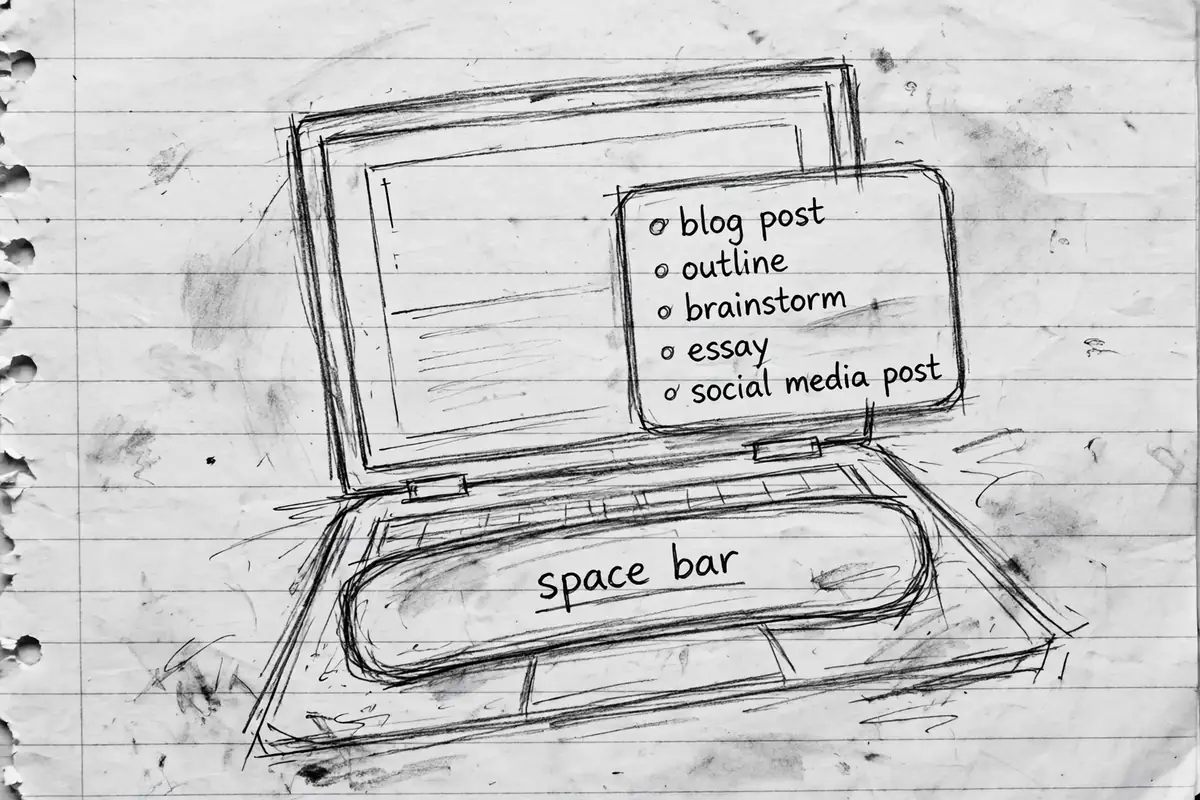
There is no separate app to open. He creates a blank page, presses the space bar, and a menu of AI options appears. From that one menu you can ask it to write something for you, brainstorm ideas, draft a blog post, build an outline, or write a social media post or an essay. The list he scrolls through also includes press releases, creative stories, to-do lists, pros and cons lists, job descriptions, sales emails and recruiting emails.
That placement is the point of the tool. The AI works on the page you are already writing, using the text already there. Almost every example below starts the same way: existing notes on screen, one prompt, an answer generated in place.
Drafting posts, scripts and essays from a blank page
His first test is a blog post about how to study in medical school, a topic he has covered before. Notion AI produces an outline first: an introduction, then sections on prioritizing your time, using your resources and taking breaks. He then asks for a full YouTube video script on the topic, and when the result feels short, he uses continue writing. The script grows sections on staying organized, taking care of yourself and asking questions.
An outline is the safer way to use this. You get the skeleton of a piece in seconds, then decide which parts are worth keeping. He does the same with an essay on why fish populations are declining, and the draft comes back with an introduction, three causes (overfishing, pollution and climate change) and a conclusion.
Ask it what a word means, mid-draft
Reading through that essay draft, he stops at a term he does not know and asks the page directly: what is bycatch? The answer comes back in plain language. Bycatch is when species that were not the target of the fishing get caught in the nets anyway. That habit is worth copying. Instead of opening a browser tab and losing your place, you ask where you are working, get a short definition, and research the point properly if it matters.
Social posts and the emails nobody wants to write
The menu handles short, awkward writing too. He asks for a social media post about starting a new vascular surgery rotation, and it returns one complete with hashtags. Then he tries two emails people tend to put off: one negotiating a lower rent for the coming year, and one asking a professor for extra credit. Neither draft is something you would send untouched. Both give you a polite structure to edit, which is usually the part that makes these emails hard to start.
Turn your study notes into a self-test
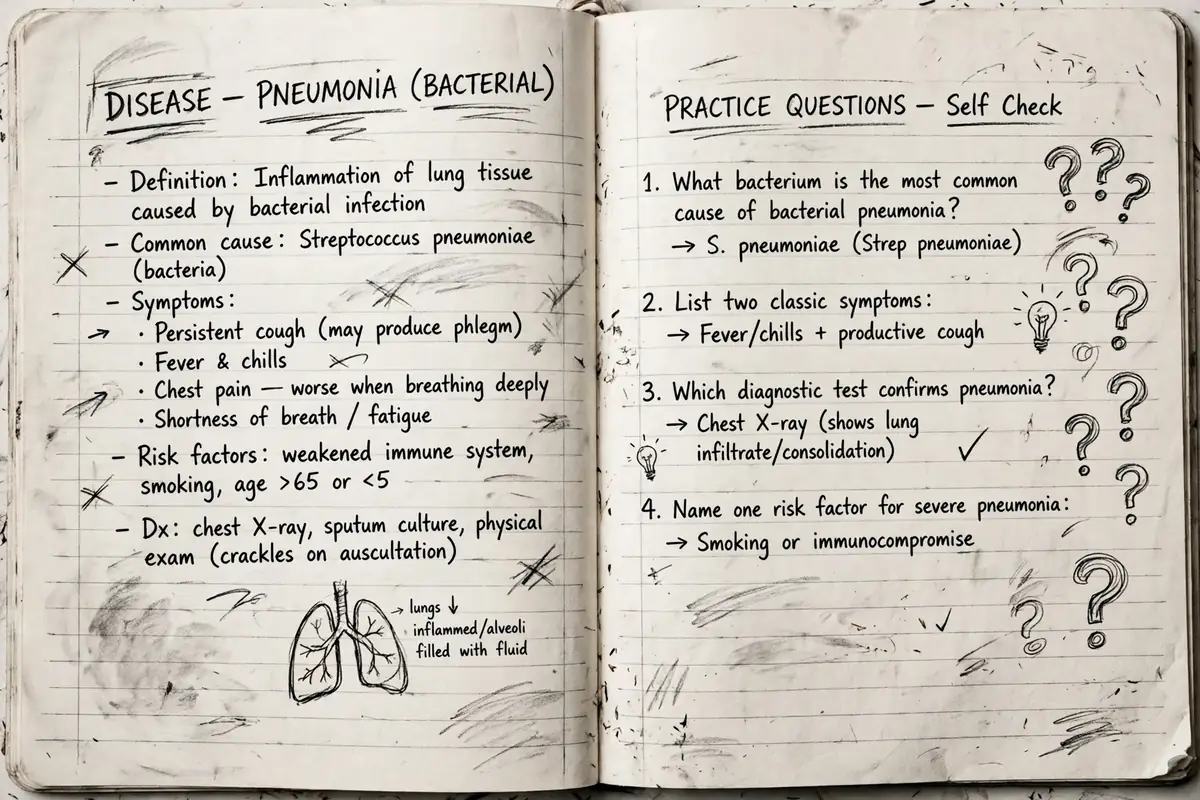
Through medical school he built a page for almost every disease he needed to know, organized by body system. Each page follows the same pattern: how the condition presents, which investigations to run, and how it is managed and treated.
He opens his rheumatoid arthritis page and asks Notion AI to write questions to test him on the material above. Back comes a list: the classic early feature of the condition, what the DAS28 scoring system is used for, which medications are used in initial treatment, and the risks that come with TNF inhibitor drugs. He then asks for the answers. He repeats the trick on a cardiology page, aortic regurgitation this time.
Testing yourself is the study method he has recommended for years, usually done with a question bank or past papers. Those still work. But a question bank cannot ask about the exact page you read ten minutes ago. This can, without you leaving your study workspace.
One honest limitation from the video: the answers appear right under the questions, so you can see them while you think. He says he asked Notion whether answers could be hidden behind toggle blocks, the way he formats his own notes, and was told that was being worked on but was not available yet.
Brainstorm ideas and lay options out in a table
The brainstorm option is built for questions you have not researched yet. His example is buying snowboarding boots and bindings after a lifetime of renting gear. Asked what to take into account, Notion AI returns factors he says he kept finding in his own research: the terrain you will ride on, your skill level, your body size and weight (board length and width depend heavily on both), the binding type, and the design of the board itself, since boards have different curve profiles for different riding styles.
He follows up by asking for a table comparing strap bindings, step-on bindings and speed entry bindings. The table is small, and he says so, but each row becomes something concrete to go and research. He uses the same approach for everyday planning: a packing checklist before a trip (passport, visa, tickets, accommodation, vaccination records) and even a rough itinerary for a week in Milan, while admitting the itinerary probably ignores how far apart the sights are.
Shorten, lengthen and summarize long text
Word limits are where he finds the editing tools most useful. He takes a sentence from a talk he gave about the impact of medical education videos, one he had bolded on his script so he would not stumble over it on stage, and asks Notion AI to make it shorter. It comes back at roughly half the length, saying the same thing in fewer words. He then runs a full paragraph through the same option and gets three lines back, to compare against the original and keep, partly keep, or ignore.
The reverse works too. If you are under a word count and stuck, the make longer option expands what you have. The summarize option handles material you did not write. He copies a dense web article about how jet propulsion works into a page and summarizes it: six paragraphs of explanation came back as four lines covering the fan, compression, fuel and exhaust. An astronomy article about what planets are made of gets the same treatment, reduced to a short summary of spectroscopy, the method astronomers use to work out what distant objects are made of.
Change the tone without rewriting it yourself
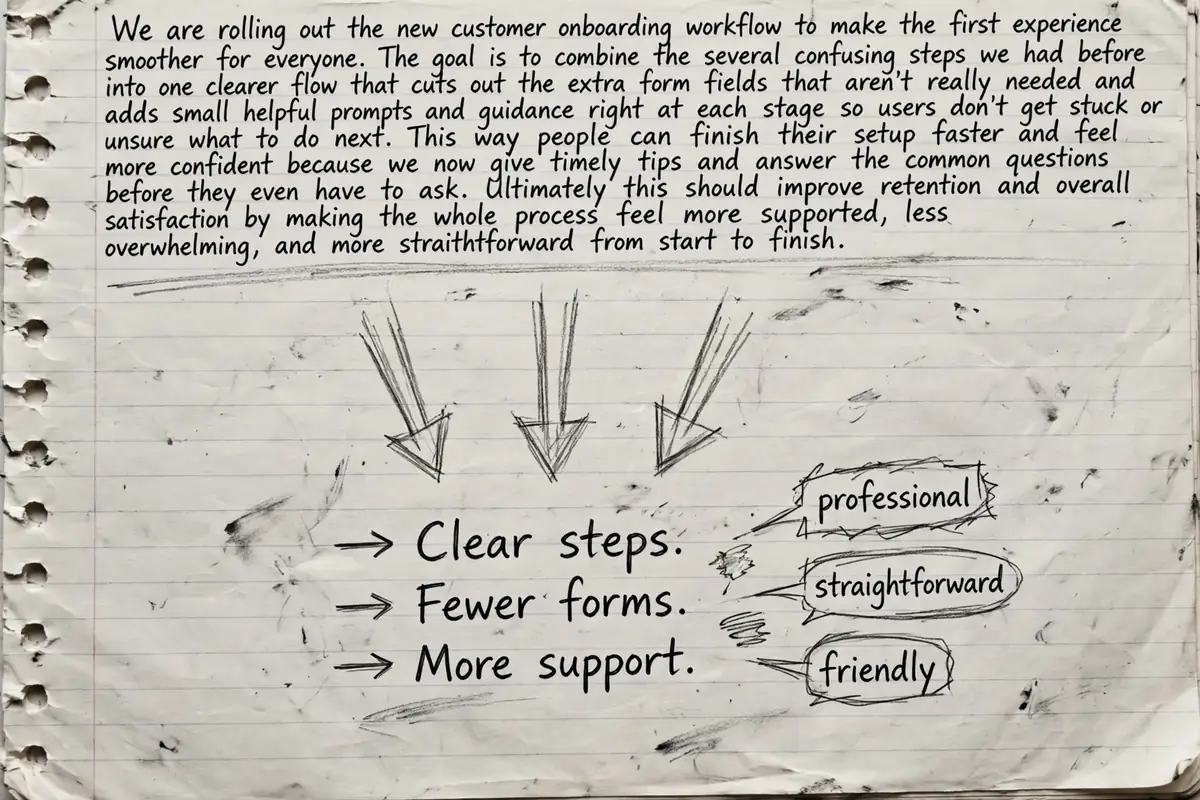
His last editing test uses the introduction from his own video. He highlights it and asks for a professional tone, and the casual opening comes back formal and confident. Straightforward shortens the sentences and flattens the warmth out. Friendly loosens it back up, and his verdict is that it might beat the version he actually recorded. If you write the way you talk and sometimes need your words to sound more formal, this is the feature you will use most.
Translate text without leaving the page
The final tool he tries is translation, built into the same menu. He translates a few simple English sentences into Spanish, then pastes the Spanish into Google Translate and converts it back to check the result. The sentences survive the round trip intact. He also notes a gap at the time of recording: Arabic and Greek, the two languages he could have verified properly himself, were not on the list.
Can Notion AI write my essay for me?
This is the question students actually search for, and the video answers it directly. No, or at least, you should not use it that way. He is blunt about it more than once: Notion AI will not produce a polished, finished piece of work for you, and copying what it generates and submitting it as your own at school or university is dishonest. That is not what the tool is for.
What it is good at is the blank page problem. Starting an essay means staring at an empty screen, and he calls that the highest activation energy in the whole task. An outline or a list of headings you had not thought of gives you something to react to, research further and rewrite in your own words. He describes it as an editing assistant and a source of inspiration, not a ghostwriter.
Treated that way, the tool earns its place. If you already keep your notes in Notion, the self-test questions alone are a strong reason to try it. And if you are collecting AI tools that save real time each week, the roundup of the laziest ways to make money with AI is a good companion read, since several of those methods lean on the same draft, summarize and rewrite skills covered here.