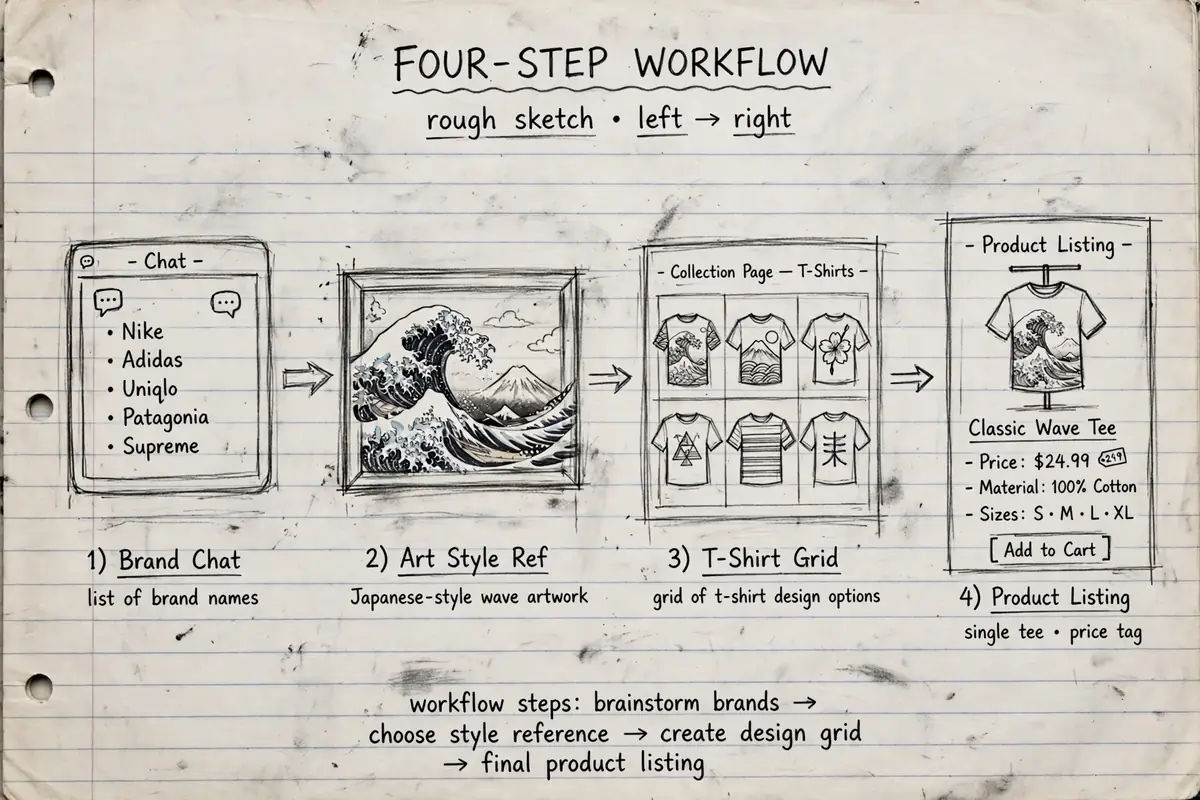
Nathan set up two print on demand stores, one on Shopify and one on Etsy, in three evenings over a single weekend. He did not draw a single design himself. ChatGPT gave him the brand name and the wording, Midjourney produced the artwork, Canva turned it into a finished collection, and Printful put the products in both stores.
That is the real shift in AI print on demand. The old blocker was paying a designer before you had sold anything. Nathan says he can use Photoshop a little, but not well enough to build a store’s worth of designs. He recorded his walkthrough to show his own kids how the process works now. If the business model itself is new to you, read what print on demand is and how it works first, then come back for the build.
Step 1: Get the brand name and domain from ChatGPT
He started in ChatGPT with one plain request: suggest 20 cool brand names for a new t-shirt company aimed at Gen Z and millennials. From the list he picked Be Bold Be Brave, then checked the domain on GoDaddy. The plain name was only available at a high premium price. Adding the word “designs” to the end made the domain available at a normal price, so the shop became Be Bold Be Brave Designs.
Two small points from this step are worth copying. Pick the name before the designs, because the name shapes the style of everything after it. And buy a real domain if you can. A store that only lives on a platform subdomain looks less professional, and Nathan treats the domain as a basic cost of looking like a real shop.
Step 2: Create the designs in Midjourney
Midjourney is where the artwork comes from. You type the /imagine command, write a prompt, and add the –stylize setting to control how artistic the result looks. His example prompt was an Eiffel Tower at night in the style of Hokusai.
Steal a style by combining artists
His method for getting designs that look like a set: find famous artists first, then mix them. He looked up well-known Japanese artists, names like Hokusai and Yayoi Kusama, and combined artist styles inside one prompt. One design in one style is an accident. Twenty designs sharing the same style mix start to look like a brand. His store’s logo came out of Midjourney too, using the same prompts, which is why the logo and the products match.
Upscale before you save anything
When a result looks right, upscale it. He upscales once, then a little more, because a shirt print needs the resolution. A design that looks fine on a phone screen can fall apart on fabric. Save the upscaled version, not the small preview.
He is blunt about quality here. A weak design does not sell, no matter how fast AI made it. The tool removes the drawing skill from the process. It does not remove the need to judge what looks good.
Step 3: Turn loose images into a collection in Canva
The Midjourney files went into Canva, where he assembled them into an actual product range. He started with a free Canva account and later upgraded it slightly to get more tools. The store banner came from a Canva template that he adjusted, rather than from a blank page.
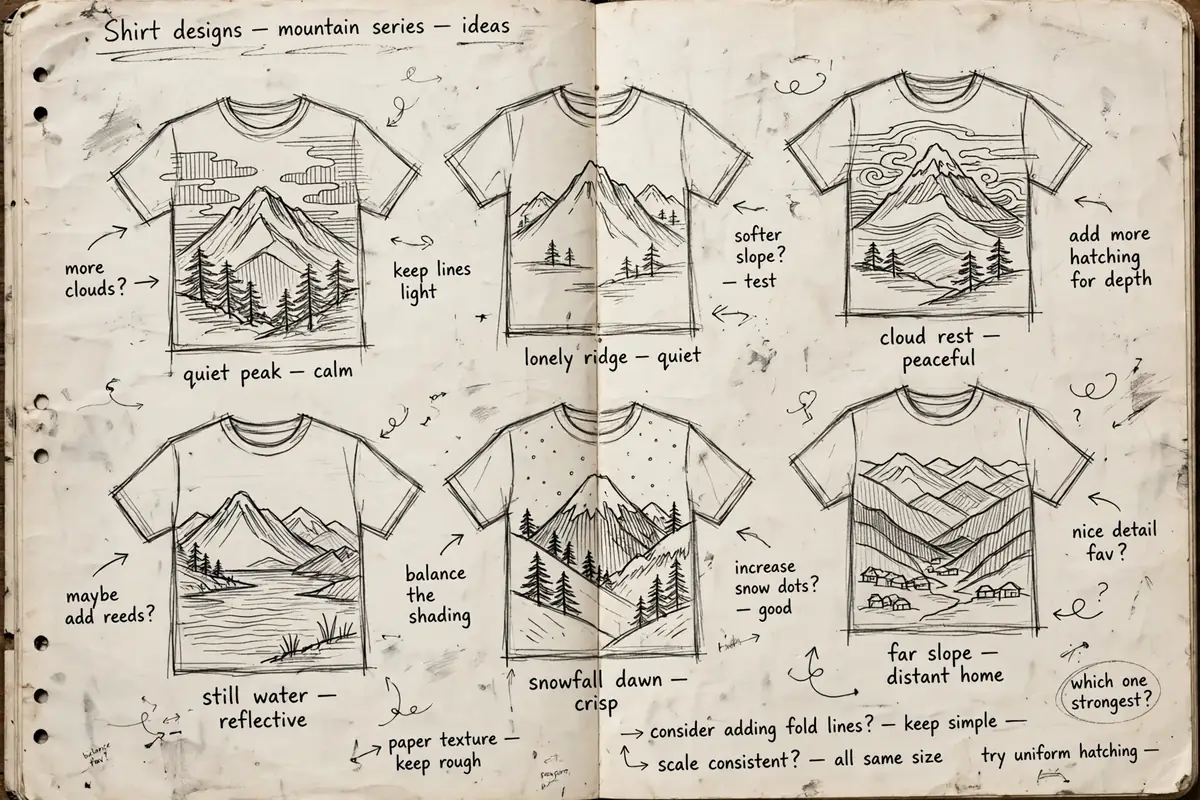
His first collection was called Mountain, built around the outdoors: climbing, hiking, mountain artwork. Short quotes on the shirts also came from ChatGPT. He asked for 20 inspiring mountain phrases in three words each, and used lines like “elevate your spirit”, “climb to greatness”, “find inner peace” and “conquer your fears”. Another design pairs artwork with the line “the world is your playground, go and explore”.
Export each design with a transparent background. That one setting matters. Without it, every shirt carries a big white rectangle around the artwork, and the product looks homemade in the bad way.
Step 4: Build product templates in Printful
For fulfilment he weighed Printify against Printful. Printify reads cheaper. Printful costs a bit more, and his reading said the quality was better, so he went with Printful and connected it to both Shopify and Etsy.
Inside Printful you build a product template first, then send it to the store. Picking a shirt means reading base prices and reviews side by side: in his walkthrough one classic tee cost $10 and another $12. He kept the colour range small, black and white only for one design, because a long list of colours confuses buyers and slows the choice down. Dark shirts were the right call anyway, since that design’s text was transparent white.
Two template warnings from his own run:
- Add all sizes you plan to sell, up to 2XL in his case, but watch the total variation count. Too many colour and size combinations produces an error.
- Write the product text properly at this stage. He rushed the wording on his first templates and found that changing text later was a pain. Description words and search terms belong in the template from the start, not in a cleanup pass.
Step 5: Push the products to Shopify and Etsy
Connecting the stores was the fastest part. Setting up the Shopify account and linking it took him about 30 minutes. From a finished Printful template, the flow is: add to store, confirm the colours, choose mockups, fill in the details, set the price, submit. Products then upload to the store on their own. The same template can go to the Etsy store through the same screens.
For mockups, pick one clear main image, the plain shirt shot tends to work, then add a few extras, including a photo with a person wearing it. In the details step he attached the sizing guide in imperial measurements, added tags so search can find the products, and filed each design under its collection.
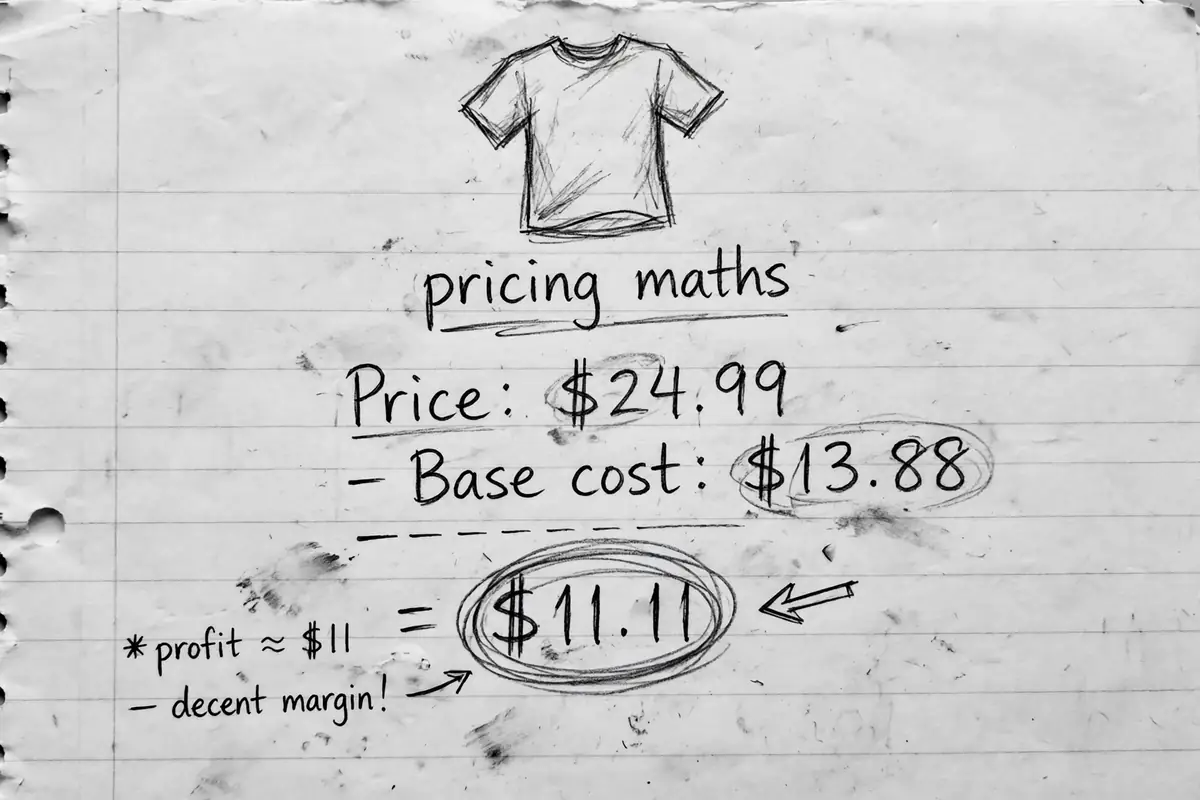
Pricing is simple arithmetic inside Printful. The screen shows the base cost and your revenue at the price you set. His worked example: price a shirt at $24.99 and the revenue comes out at about $11 per shirt. Larger sizes cost more at base, so he nudged the 2XL price up until the margin on that size also sat around $11 to $12. His hoodie in the same store was priced at $39.99, and he ordered one himself to see what a customer actually receives.
How long does it take to set up an AI print on demand store?
His honest split: the evenings went on designs. Three evenings in one weekend covered the artwork, the collection, the banners and both storefronts. The mechanical setup was much shorter, around 30 minutes for Shopify, plus the time to build each product template in Printful. So a basic store with one small collection is a weekend project. A large catalogue is not, because each design still needs the style check, the upscale and the template work.
For scale on what “live” means at the start: when he recorded the walkthrough, his Shopify store had received 159 visits. That is the normal starting point, not a failure.
The part the tools do not do: traffic
Nathan is clear on this point. Building the store brings nobody to it. A new shop with no promotion sits at zero visitors, so the plan has to include the boring half: advertise, post on Instagram, TikTok and YouTube, and give people a reason to look.
One cheap trick he used: Printful lets you order samples of your own products at cost. He ordered pieces to check the print quality in person, and those same samples become the props for product photos and short videos. Quality control and content in one order.
None of this makes the store a business on its own. It makes the store cheap to build and quick to test, which is a different and more useful thing. An $11 margin per shirt is a starting point on the long road described in how to make your first million, and the distance between the two is traffic, testing and time. The tools handled the part that used to cost money upfront. The selling still has to be done by a person.
Disclaimer: This post is educational content about how one creator set up a print on demand store. It is not financial or business advice, and no income or result is promised.