HDMI to VGA Adapter 2 Pack Review (2026): Connect an HDMI PC to a VGA Monitor or Projector
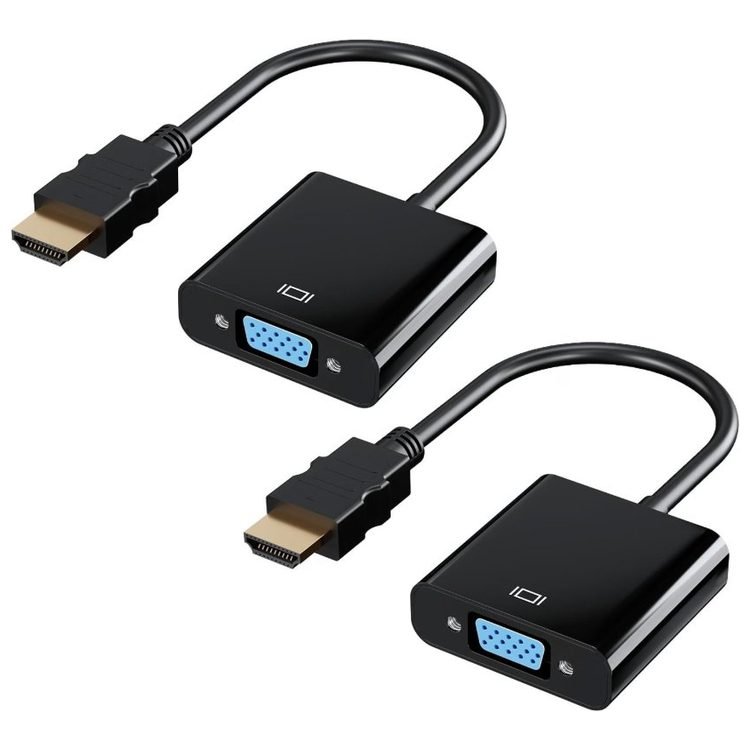
Still running an older monitor or projector with only a VGA port — while your laptop or PC has only HDMI? An HDMI to VGA adapter bridges that gap: plug the HDMI end into your computer and a VGA cable into the adapter, and the picture shows up on the old display in up to 1080p Full HD. We looked at this HDMI to VGA adapter 2 pack — two gold-plated HDMI male to VGA female converters — to see whether it is the simple, cheap fix your desk or classroom setup actually needs.
In this article
HDMI To VGA Adapter 2 Pack Gold Plated Female Converter 1080P For PC
- 2 adapters in the pack — one for the desk, one spare or for a second setup
- HDMI male to VGA female — plug straight into your PC or laptop
- Up to 1080p Full HD (1920×1080 at 60Hz) for monitors and projectors
- Gold-plated HDMI connector resists corrosion for a steady signal
PROS
- ✓ Two adapters for the price of one — a spare is always handy
- ✓ Plug and play — no driver or software to install
- ✓ Sharp 1080p Full HD output at 60Hz
- ✓ Gold-plated connector and molded strain relief for durability
- ✓ Compact and light — slips into a laptop bag for presentations
CONS
- ✕ VGA carries video only — no audio through the adapter
- ✕ One-way only — it cannot convert VGA to HDMI
- ✕ VGA cable not included — you need your own
- ✕ Not for low-power HDMI ports or Blu-ray players
HDMI to VGA Adapter Key Specifications
| Pack | 2 adapters |
| Input | HDMI male |
| Output | VGA female (15-pin) |
| Max Resolution | 1080p Full HD — 1920×1080 at 60Hz (also 720p, 1600×1200, 1280×1024) |
| Connector | Gold-plated HDMI connector |
| Signal | Built-in chip converts HDMI digital signal to VGA analog signal |
| Audio | No audio — VGA carries video only; sound plays from the computer’s own speakers |
| Direction | One-way only: HDMI source to VGA display (not reversible) |
| Installation | Plug and play — no driver needed |
| Use For | Computer, desktop, laptop, PC, monitor, projector, HDTV, Chromebook, Raspberry Pi, Roku, Xbox |
How an HDMI to VGA Adapter Works
HDMI is digital and VGA is analog, so an HDMI to VGA adapter is not just a cable — it has a small chip inside that converts the digital HDMI signal into the analog signal a VGA display understands. You plug the HDMI male end into your laptop or PC, connect a VGA cable from the adapter’s blue female port to your monitor or projector, and the picture appears. There is nothing to install: it is plug and play, and the picture runs at up to 1080p Full HD (1920×1080 at 60Hz), with lower resolutions like 720p, 1600×1200 and 1280×1024 supported as well. That is sharp enough for office work, classroom slides and most projector use.
The gold-plated HDMI connector is the part that matters for long-term use. Gold plating resists corrosion and wear on the contacts, so the connection stays clean and the signal stays steady even after the adapter has been plugged and unplugged many times. The molded strain relief where the cable meets the plugs keeps the cable from fraying at the bend — the weak point on most small adapters.
Why a 2 Pack Makes Sense
Two adapters means you are not stuck when one is in use somewhere else. Keep one on the desk at home and one in the laptop bag for the office or classroom, or run two monitors from one setup. Adapters this small are easy to lose, and a spare at this size costs almost nothing extra. If you only ever need one, the second is a backup that saves a re-order later — and if you run a second display, you already have the part.
The Two Limits to Know Before You Buy
First, VGA carries video only. This HDMI to VGA adapter sends no audio to the display — sound keeps playing from your computer’s own speakers, or from speakers you plug into the computer. If you need sound on the projector or TV, plan for separate speakers. Second, the conversion is one-way only: it takes an HDMI source to a VGA display, and it cannot work in reverse — a VGA laptop cannot drive an HDMI monitor through this adapter.
There is also a compatibility note that applies to adapters of this design: they are not made for low-power HDMI ports, such as a PS4, a MacBook Pro with Retina Display, a Mac mini or an Apple TV, and they do not work with Blu-ray players that require an HDCP key. For a standard PC or laptop with a normal HDMI port, it works as expected. And remember the VGA cable itself is not in the box — you need a separate VGA cable to reach the monitor or projector.
Who Is It For?
This HDMI to VGA adapter 2 pack is for anyone with a perfectly good VGA monitor or projector and a modern computer that only has HDMI — office workers extending a desktop to a second screen, teachers and presenters connecting a laptop to a classroom projector, and anyone setting up a home workstation with an older display. It is the right buy if you want the cheapest path to keep old hardware working. It is the wrong buy if you need audio over the same cable, if you want to go from VGA to HDMI, or if your source device has a low-power HDMI port — in that case, look for an adapter with its own power supply and audio output instead, like the options below.
You May Also Like
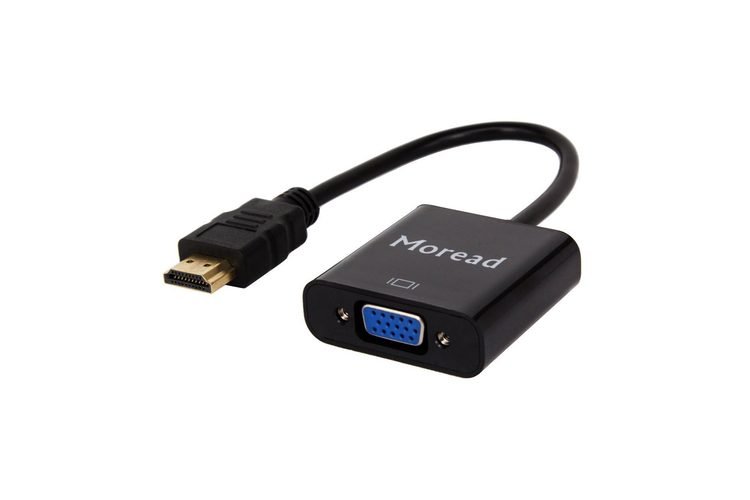
HDMI to VGA Adapter, Gold-Plated (Male to Female)
The single-adapter version of the same design — gold-plated HDMI male to VGA female, 1080p Full HD, plug and play.
Check Product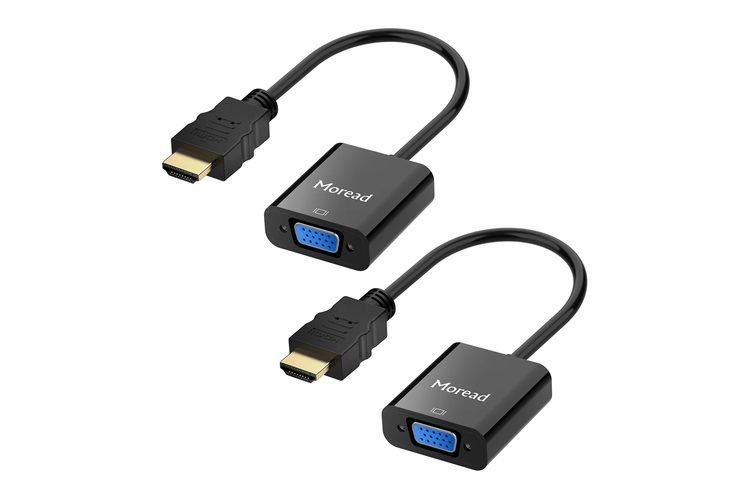
HDMI to VGA Adapter, 2 Pack, Gold-Plated
Another 2 pack in the same style — two gold-plated HDMI to VGA converters, so the desk and the laptop bag are both covered.
Check Product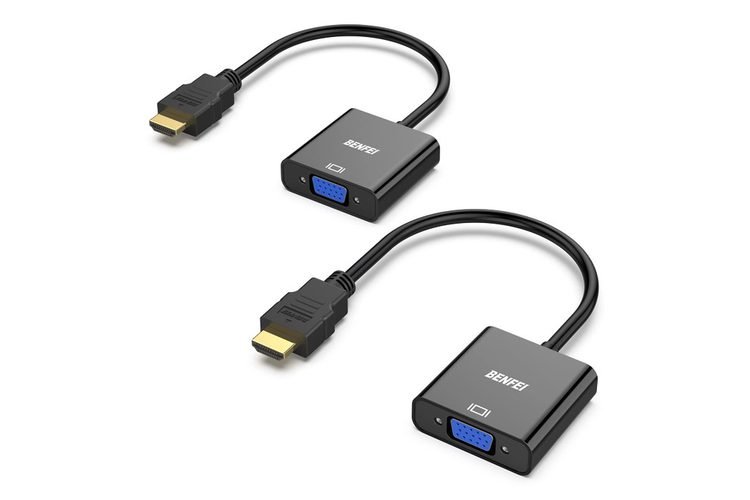
HDMI to VGA Adapter, Gold-Plated Converter
Same male-to-female form with a gold-plated HDMI plug and blue VGA port — a straightforward spare for a second monitor or projector.
Check ProductFrequently Asked Questions
No. VGA is a video-only signal, so this adapter sends picture but no audio. Sound keeps playing from your computer’s own speakers, or from speakers connected to the computer. If you need audio on the display side, choose an adapter with a separate 3.5mm audio output.
No. The conversion is one-way only, from an HDMI source to a VGA display. A VGA-to-HDMI setup needs a different adapter built for that direction.
No — it is plug and play. Plug the HDMI end into your computer, connect a VGA cable from the adapter to the monitor or projector, and the picture appears. No driver or software is needed.
No. The pack contains the two adapters only — you need your own VGA cable to connect the adapter to the monitor or projector.
Up to 1080p Full HD — 1920×1080 at 60Hz — plus lower resolutions including 720p, 1600×1200 and 1280×1024, which covers most monitors and projectors.
Adapters of this design are not made for low-power HDMI ports, such as a PS4, a MacBook Pro with Retina Display, a Mac mini or an Apple TV, and they do not work with Blu-ray players. For those devices, use an adapter with its own power supply.
Final Verdict: Should You Buy It?
An HDMI to VGA adapter is the simplest way to keep a good VGA monitor or projector in service with a modern HDMI computer — and a 2 pack means one on the desk and one in the bag. This one covers the essentials: 1080p Full HD, gold-plated connector, plug and play, no driver. Just know the limits before you buy: video only, one direction, and bring your own VGA cable. For that job, it is an easy recommendation.
Check Product